Who has the admin password for your company email?
If you had to think about it, this article is about you.
Most small companies never chose their email setup. It came bundled with the domain name, years ago, from whoever sold you the domain. Since then the team grew. Files ended up in Dropbox, and in a shared Gmail, and on somebody's personal Drive. Mailboxes filled up. Nobody went back to fix any of it, because it mostly works.
Mostly working is the problem. It holds until someone leaves, or a mailbox hits its limit on a Friday, or you need a file that lives only in a former partner's account.
We helped three companies move to Google Workspace this summer, for three different reasons. One was buried in shared logins, so two-step verification and offboarding were a recurring headache. One had mail, calendar, and documents in three systems that did not talk to each other. One had no choice, because their provider is shutting down. All three came out the same way: inboxes intact, every person on their own account, and the tools finally connected.
What actually changes
Start with the accounts, because everything else depends on them. When a team shares one login, two-step verification becomes something to work around instead of something that protects you, and every hire or departure turns into a scavenger hunt. Give each person their own account and that entire category of problem stops existing. Access follows the person, and removing someone takes a minute.
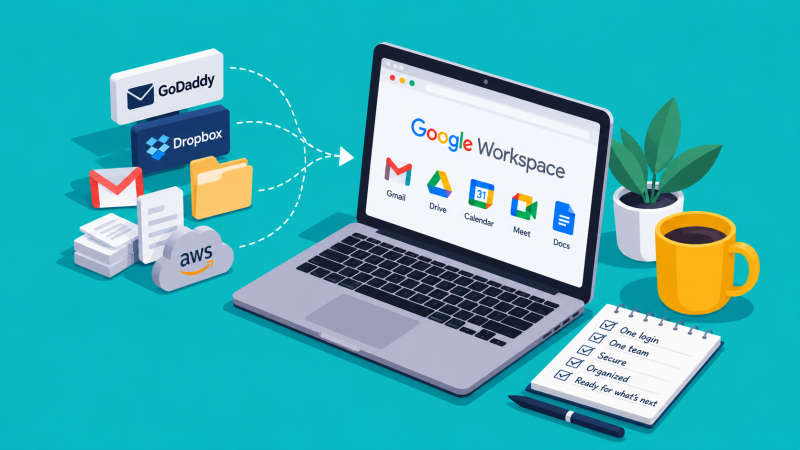
The same login opens mail, calendar, and documents, so nothing sits in a separate system.
Storage stops being a thing. One client was deleting old email to make room for new email, in 2026, because of a 50 GB mailbox cap. Business Standard gives 2 TB per person at $14 per user per month on an annual plan, which for a ten-person team is $140 replacing separate bills for email hosting, Dropbox, and Zoom. Teams that need email retention and legal hold move up to Business Plus at $22.
Files stop belonging to individuals, too. Anything a partner shared over the years lives only in their account, so when people leave, files vanish. Google's Shared Drives fix that structurally: files belong to the organization, not to whoever uploaded them.
Who actually owns your email
When you buy email through a domain registrar, you are usually not buying it from Google or Microsoft. You are buying it from the registrar, who buys it from them. Your company lives in a tenant the reseller controls, and you administer it through their panel instead of the real one.
Microsoft 365 sold through GoDaddy is the version we run into most. It sends you to a GoDaddy dashboard rather than the Microsoft admin center, and without full global administrator rights, controls like sensitivity labels and information rights management are not available to you at all. Leaving requires the reseller to release you, a process Microsoft calls defederation. GoDaddy's own instructions are worth reading before you buy rather than after: the move is permanent, the tenant cannot be merged into another one, and their support for it ends the day you go.
That is what renting your email actually means. You are a tenant in someone else's building, and the lease is easier to sign than to end.
The worse version is when nobody is in charge at all. One project nearly stalled on day one when we found an orphaned Google tenant sitting on the client's domain, created years earlier by an employee who was long gone. Nobody knew it existed and nobody could get into it. Google allows one tenant per domain, so until that one was released there was no room to build the new one.
Set up directly with the vendor, whether that is Google or Microsoft, and your company holds its own keys: a documented super-admin, a break-glass backup, and recovery details that do not leave with an employee.
Sometimes the decision gets made for you
Not every switch is voluntary. AWS is shutting down Amazon WorkMail on March 31, 2027, and it stopped taking new customers in April 2026. If your email lives there, you are moving whether you like it or not. We migrated TCI Partners' six mailboxes off WorkMail this summer, every message, folder, and alias verified count-for-count, cutover done in an afternoon. If your provider has an end-of-life date, the best time to move is before the rush.
The rule that makes a migration boring
Switching should sound serious. It should not sound terrifying, because a properly run migration follows one rule: copy, never move. The old system stays live until every message and file is verified in the new one. On the beauty brand's migration that meant 185,000 emails and 65,904 files checked one by one, the old mailboxes running for weeks as a safety net, the cutover scheduled around their biggest sales week of the year, and no downtime.
The team's experience of the big scary migration: leave Friday, log in Monday, everything is there.
If your email lives with your registrar, your files live in three places, and nobody is sure who the admin is, that is not an IT setup. That is IT debt.